
Poster Maker
Make an eye-catching poster in minutes without design software. Pick a layout and colour theme, type a headline and the key details, add a photo from your device if you like, and the poster is laid out with bold type and clear hierarchy. Download it as an image or print it at home or at a print shop.
- Instant download
- Editable Word
- Print-ready PDF
- 7-day refund
8 files · DOCX, PDF
Poster Template Pack
Editable poster templates (event, sale, lost pet, class, notice), printable poster layouts in four styles and a poster planning checklist.
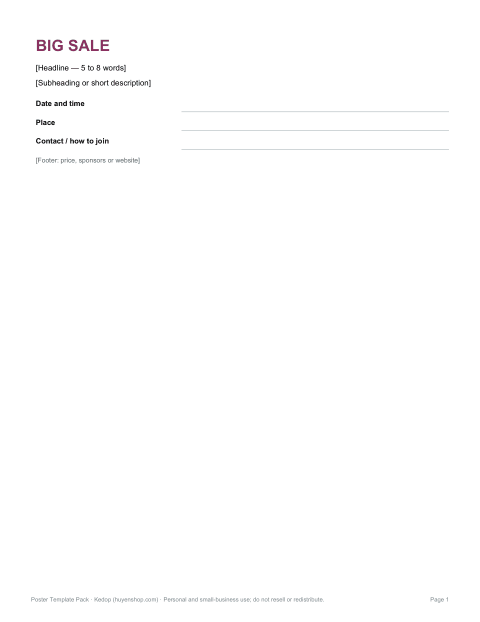
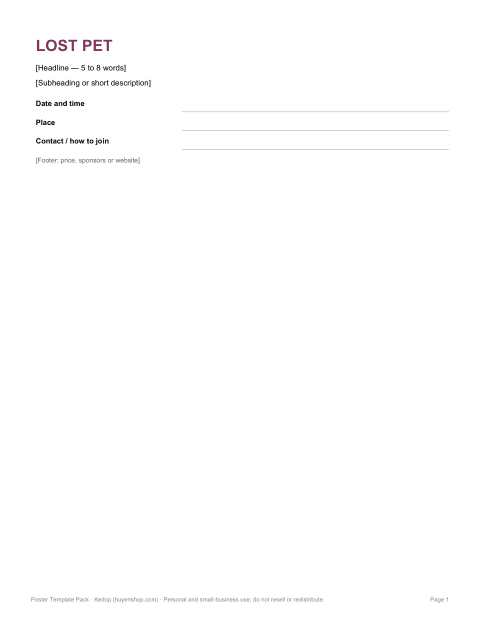
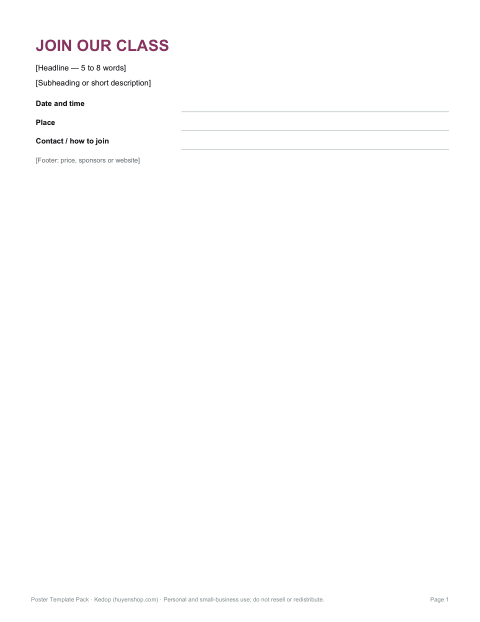
- Event poster (DOCX)
- Sale poster (DOCX)
- Lost pet poster (DOCX)
- + 5 more
$5.00 USD, one-time 8 files · about $0.63 each
- Instant download
- 7-day refund
- Secure checkout by Stripe
7-day money-back guarantee. Full refund within 7 days of purchase, even after you download.
Free sample: Event Poster (PDF, 58 KB)
Poster Template Pack
Editable poster templates (event, sale, lost pet, class, notice), printable poster layouts in four styles and a poster planning checklist.
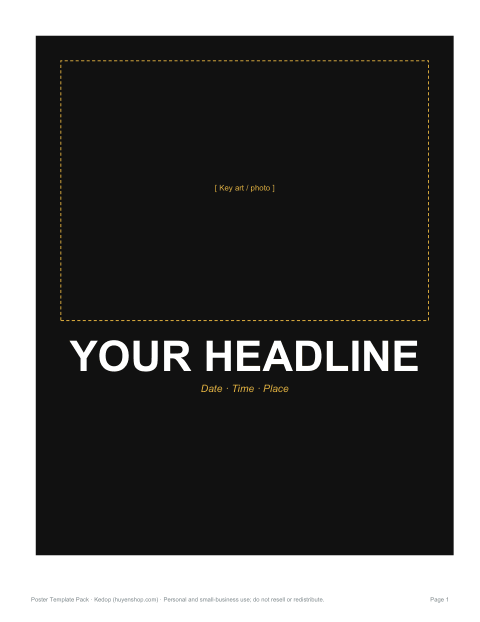
- Event poster (DOCX)
- Sale poster (DOCX)
- Lost pet poster (DOCX)
- Class poster (DOCX)
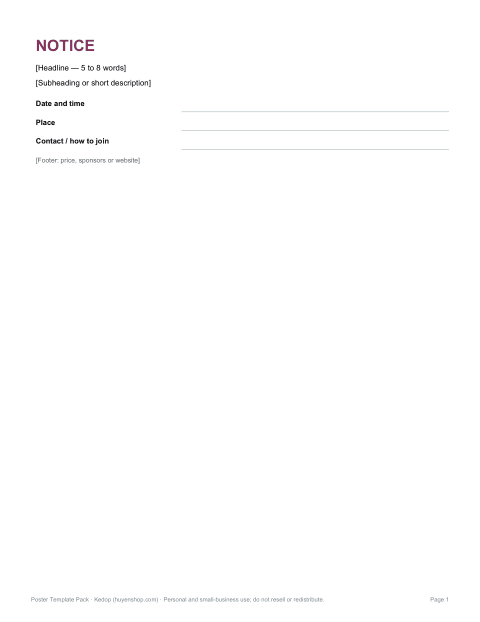
- Notice poster (DOCX)
- Poster layout (PDF)
- Poster layout (PDF)
- Planning checklist (PDF, DOCX)
Formats: DOCX, PDF. Instant download after payment (link valid 72 hours, up to 5 downloads). AI-assisted: the templates were drafted with AI help and reviewed and laid out before publishing.
$5.00 USD, one-time 8 files · about $0.63 each
- Instant download
- 7-day refund
- Secure checkout by Stripe
7-day money-back guarantee. Full refund within 7 days of purchase, even after you download.
Free sample: Event Poster (PDF, 58 KB)
Full refund within 7 days — see the refund policy and license.
Free printables
Single sheets you can print right now, no sign-up. The full pack adds every sheet in one download plus the editable files.
 Printable Event Invitation Poster1 page · free PDF
 Printable Sale Poster1 page · free PDF
 Printable Lost Pet Poster1 page · free PDF
 Printable Class Poster1 page · free PDF
 Printable Notice Poster Template1 page · free PDF
 Printable Poster Layout PDF1 page · free PDF
 Printable Poster Layout Sketch PDF1 page · free PDF
 Printable Poster Planning Checklist1 page · free PDF
Poster maker
What makes a poster work
| Principle | In practice |
|---|---|
| One big message | The headline should be readable from across a room — 5–8 words |
| Clear hierarchy | Headline → subheading → date/place → small print |
| Key facts only | What, when, where, and how much or how to join |
| Contrast | Dark text on light backgrounds or light on dark; avoid busy photos behind text |
| White space | Leave margins so the design can breathe |
| A call to action | “Book now”, “Free entry”, “Scan to register” |
How to use the poster maker
- Choose a layout: bold headline, photo top, split colour or minimal.
- Pick a colour theme that suits your event.
- Choose the paper size you will print on.
- Fill in the kicker, headline, subheading, date and time, place and footer. The text resizes automatically to fit.
- Add a photo from your device if you like — it stays on your device.
- Download a high-resolution PNG or print directly.
Poster sizes
| Size | Dimensions | Good for |
|---|---|---|
| Letter | 8.5 × 11 in | Notice boards, shop windows, home printing |
| A4 | 210 × 297 mm | The standard outside North America |
| Tabloid / A3 | 11 × 17 in / 297 × 420 mm | Larger notices, cafés, libraries |
| 18 × 24 in | 45.7 × 61 cm | Events, print-shop posters |
| 24 × 36 in | 61 × 91.4 cm | Large display posters |
All the poster maker’s sizes keep text proportional, so you can design once and print at any size.
Printing tips
- For home printing choose Letter or A4 and set “Fit to page”.
- For larger sizes, download the PNG and take it to a print shop; the image is produced at 300 pixels per inch.
- Glossy paper makes colours pop; matte reduces glare under lights.
- For outdoor posters, laminate or use a plastic sleeve.
- Check spelling, dates and times twice before printing lots of copies.
Worked example
A community garden makes a plant-sale poster: “Community Garden presents” as the kicker, “Autumn Plant Sale” as the headline, the plant types as a subheading, the date and time in bold, the address below and a footer with “Free entry · Cash and card”. With the red-and-navy theme and bold headline layout, it prints clearly on Letter paper for shop windows and at 11 × 17 inches for the library board.
Poster ideas
- Garage sales, bake sales and fundraisers
- Classes, workshops and club meetings
- Lost and found pets
- Concerts, open mics and parties
- Shop promotions and opening hours
- School events and sports days
Using photos
Choose a sharp photo with a clear subject and some plain space. Photos from phones work well; at large sizes, higher-resolution images look better. Only use images you have the right to use — your own photos, or images licensed for your purpose. The photo is processed in your browser and never uploaded.
What the template pack includes
Editable poster templates in Word for events, sales, lost pets, classes and notices, printable PDF layouts in several styles, and a poster planning checklist.
Frequently asked questions
How do I make a poster for free?
Choose a layout and theme, type your details and download or print.
What size should a poster be?
Letter or A4 for notice boards; 11 × 17 or 18 × 24 inches for events.
Can I add my own photo?
Yes, choose an image from your device; it isn’t uploaded.
What resolution is the download?
About 300 pixels per inch at the chosen size.
How much text should a poster have?
Keep it to the essentials: headline, date, place and one call to action.
Is anything uploaded?
No, everything runs in your browser.
Can I change the font?
The maker uses bold, widely available fonts so the poster prints reliably on any device.